

 |
| Best Lightweight Windows 10 Apps for Slow PCs in 2026 (Full Long Article) |

Best Lightweight Windows 10 Apps for Slow PCs in 2026
If your Windows 10 computer is slow, installing heavy software can make it even worse. The solution is using lightweight apps that provide powerful features without consuming too many system resources.
In this guide, you will discover the best lightweight Windows 10 apps that can make your slow PC faster and more productive.
1. Brave Browser – Fast and Lightweight Browser

Brave is one of the fastest browsers available. It uses less RAM and blocks ads automatically.
- Uses less memory
- Fast browsing
- Built-in ad blocker
2. VLC Media Player – Lightweight Video Player

VLC runs smoothly even on old computers and supports all video formats.
Download VLC3. Everything – Ultra Fast File Search
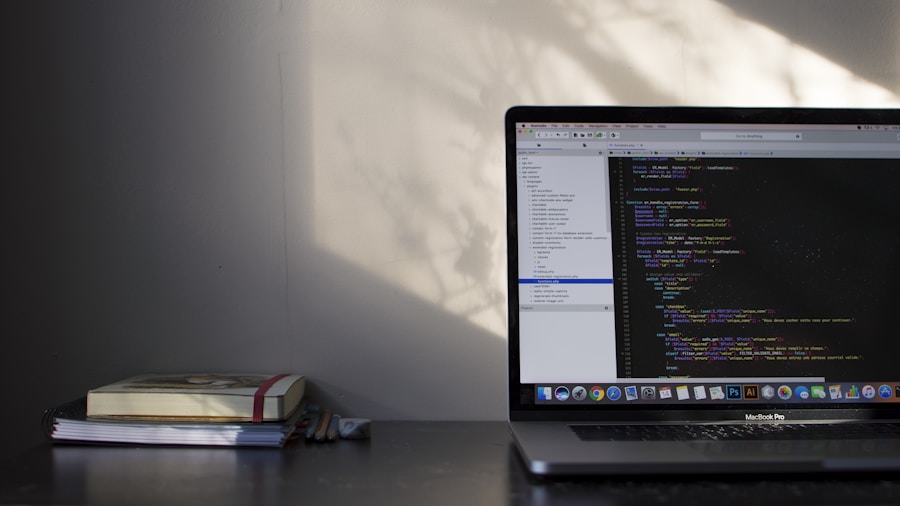
Everything helps you find files instantly without slowing your system.
Download Everything4. Notepad++ – Best Lightweight Text Editor
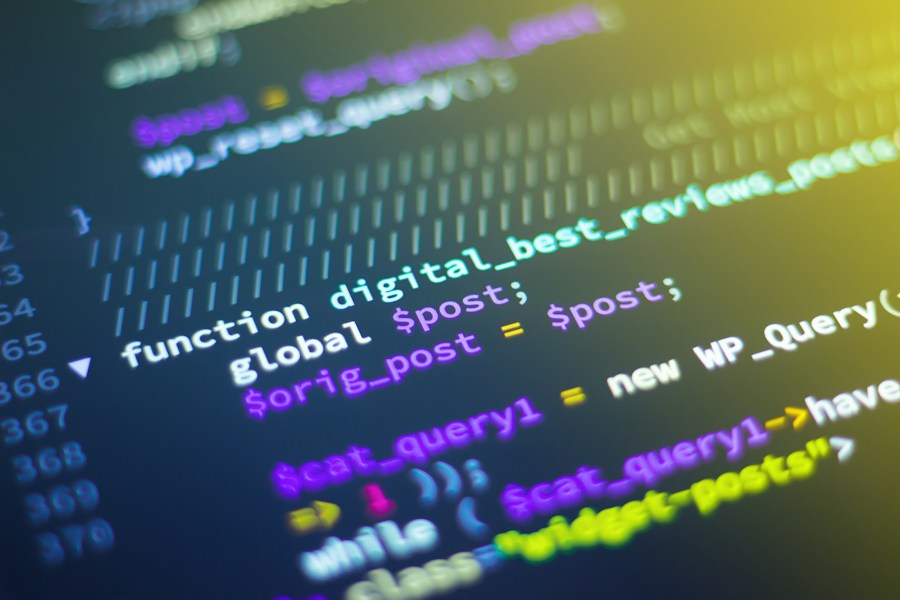
Notepad++ is perfect for editing text and code without heavy resource usage.
- Fast performance
- Small size
- Free
5. CCleaner – Speed Up Your PC

CCleaner removes junk files and improves performance.
Why Lightweight Apps Matter
Lightweight apps help you:
- Improve speed
- Reduce RAM usage
- Increase productivity
- Extend PC life
Recommended Articles
Conclusion
Using lightweight apps can dramatically improve your Windows 10 performance. These apps are perfect for slow and old computers. Install them today and enjoy a faster experience.
Best Lightweight Windows 10 Apps for Slow PCs in 2026 – Complete Guide
Windows 10 remains one of the most widely used operating systems in the world, even in 2026. However, many users still rely on older computers with limited RAM, slower processors, or traditional hard drives. Installing heavy software on these systems can significantly reduce performance, making the computer slow, unresponsive, and frustrating to use.
The good news is that there are many lightweight applications specifically designed to run smoothly on slow PCs. These apps use fewer system resources while still providing powerful features. In this complete guide, you will discover the best lightweight Windows 10 apps that can dramatically improve your computer’s speed, performance, and productivity.
Why Lightweight Apps Are Important for Slow PCs

Lightweight apps are optimized to use less RAM, CPU, and storage space. This makes them perfect for older computers or low-spec machines.
Benefits include:
- Faster system performance
- Reduced RAM usage
- Longer hardware lifespan
- Improved multitasking
- Better overall user experience
1. Brave Browser – Fastest Lightweight Browser

Web browsers are one of the most used applications on any computer. Unfortunately, many browsers consume too much RAM and slow down older PCs.
Brave Browser is different. It is designed for speed, privacy, and efficiency.
Key Features:
- Uses less RAM than Chrome
- Built-in ad blocker
- Fast page loading
- Privacy protection
- Secure browsing
Official Download:
https://brave.com
2. VLC Media Player – Best Lightweight Media Player
Many media players require extra codecs and consume high resources. VLC Media Player is one of the best lightweight media players ever created.
It supports almost every video and audio format without installing additional software.
Benefits:
- Extremely lightweight
- Supports all formats
- No ads
- Free and open source
- Runs smoothly on old PCs
Download:
Official VLC Website
3. Everything – Instant File Search Tool
Searching files on Windows 10 can be slow, especially on older hard drives.
Everything is an ultra-fast file search engine that shows results instantly.
Why It’s Powerful:
- Instant search results
- Very small size
- Uses almost no RAM
- Improves productivity
Download:
Official Website
4. Notepad++ – Lightweight Text and Code Editor
Notepad++ is one of the best lightweight text editors available for Windows.
It is perfect for bloggers, developers, and general users.
Features:
- Fast and lightweight
- Supports many programming languages
- Uses minimal resources
- Free
5. CCleaner – Clean and Speed Up Your PC
Over time, your PC collects junk files that slow it down.
CCleaner removes unnecessary files and improves performance.
Main Benefits:
- Faster performance
- Free disk space
- Improved startup speed
6. qBittorrent – Lightweight Torrent Client

qBittorrent is one of the best lightweight torrent clients.
- No ads
- Fast downloads
- Low resource usage
7. 7-Zip – Lightweight File Compression Tool

7-Zip is a free and powerful alternative to WinRAR.
- Very small size
- Fast compression
- Free forever
How Lightweight Apps Improve Your PC Performance
When you install lightweight software, your computer uses fewer resources. This results in:
- Faster boot time
- Better multitasking
- Smoother experience
- Less freezing
Recommended Articles
Final Thoughts
Using lightweight apps is one of the best ways to make your Windows 10 computer faster without upgrading hardware.
These apps improve speed, productivity, and performance while using minimal system resources.
If your PC is slow, installing these applications can completely transform your experience.
Start installing them today and enjoy a faster, smoother Windows 10 system.