

 |
| How to Start Automated YouTube Channel Using AI (Step-by-Step Guide for Beginners 2026) |
How to Start Automated YouTube Channel Using AI in 2026 (Complete Guide)

Starting an automated YouTube channel using AI is one of the best ways to make money online in 2026. Thanks to artificial intelligence, you can now create professional videos without recording, editing manually, or showing your face.
Many beginners are using AI tools to build successful channels and generate passive income every month. The best part is that you can automate almost everything.
If you are new, you should also read this guide:
How to Start a Faceless YouTube Channel
What is YouTube Automation Using AI?
YouTube automation is the process of creating videos using AI tools instead of doing everything manually.
AI can help you:
- Write scripts
- Create voiceovers
- Generate videos
- Edit automatically
- Create thumbnails
You can learn more from the official platform here:
YouTube Creator Academy
Why YouTube Automation is Exploding in 2026

There are many reasons why this business model is growing fast:
- No experience needed
- No camera required
- Low startup cost
- Fully automated
- Unlimited earning potential
Also check:
Best AI Tools to Make Money Online
Step 1: Choose a Profitable Niche
Choosing the right niche is critical for success.
Best niches in 2026 include:
- AI tools
- Technology
- Finance
- Motivation
- Facts videos
- Make money online
These niches have high search demand and monetization potential.
Step 2: Use AI to Write Scripts

Script is the foundation of your video. You can use AI writing tools to generate professional scripts in seconds.
Best AI script tools:
- ChatGPT
- Copy.ai
- Jasper AI
Example prompt:
Write a YouTube script about best AI tools for beginners in 2026
Step 3: Convert Script into Voice
Voiceover is important for engagement.
Best AI voice generators:
- ElevenLabs
- Murf AI
- PlayHT
These tools create realistic human voice.
Step 4: Create Video Automatically
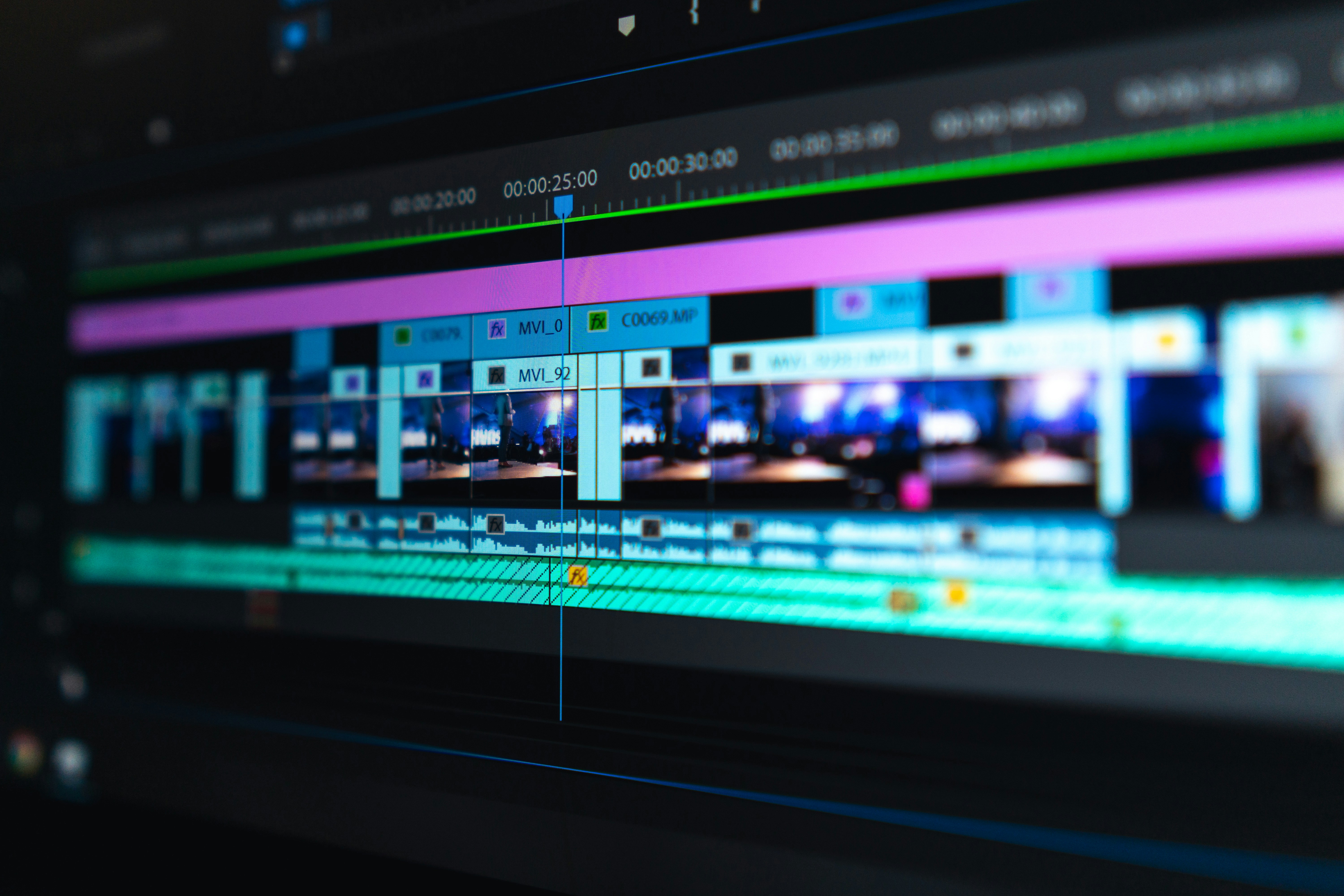
Now it's time to create your video.
Best AI video tools:
- Pictory AI
- InVideo
- CapCut
These tools automatically:
- Add video clips
- Add subtitles
- Sync audio
- Edit professionally
Step 5: Create Thumbnail Using AI
Thumbnail is very important for clicks.
Best thumbnail tool:
Tips:
- Use large text
- Bright colors
- High